Business Not Showing on Google Maps? 8 Fixes
Can't find your business on Google Maps? Explore 8 possible causes, including verification, listing errors, duplicate profiles, and local ranking factors, plus practical ways to address them.
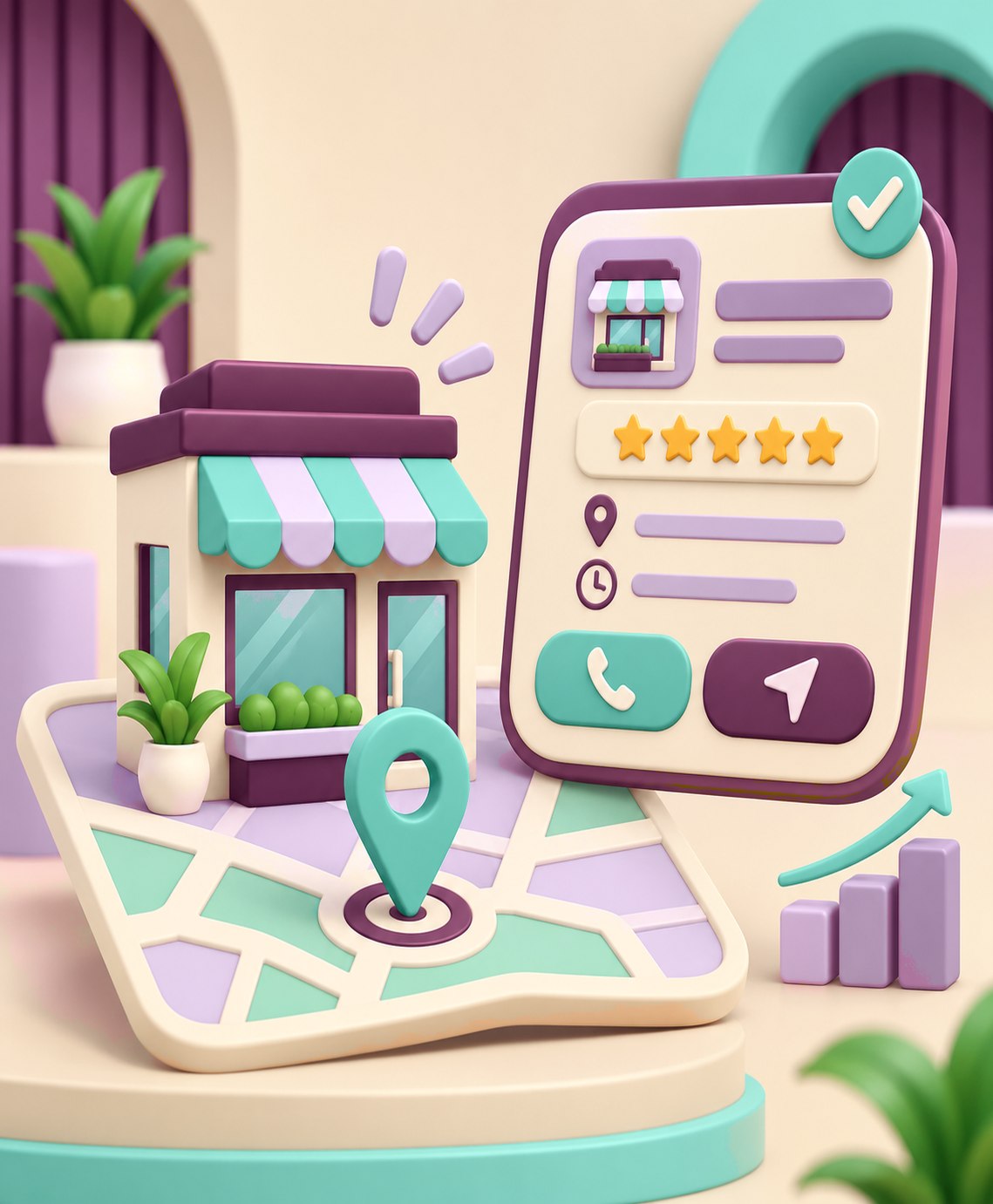
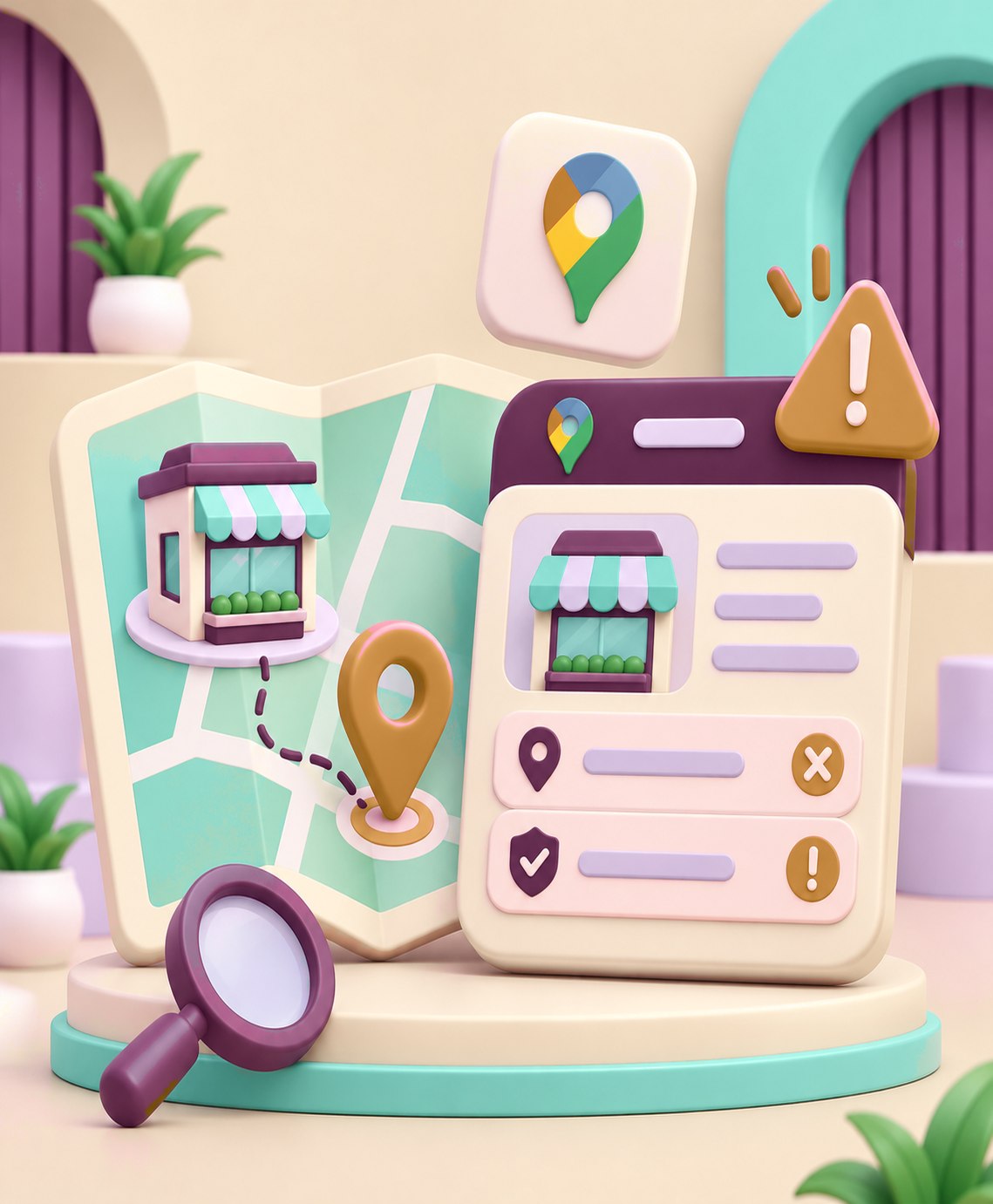
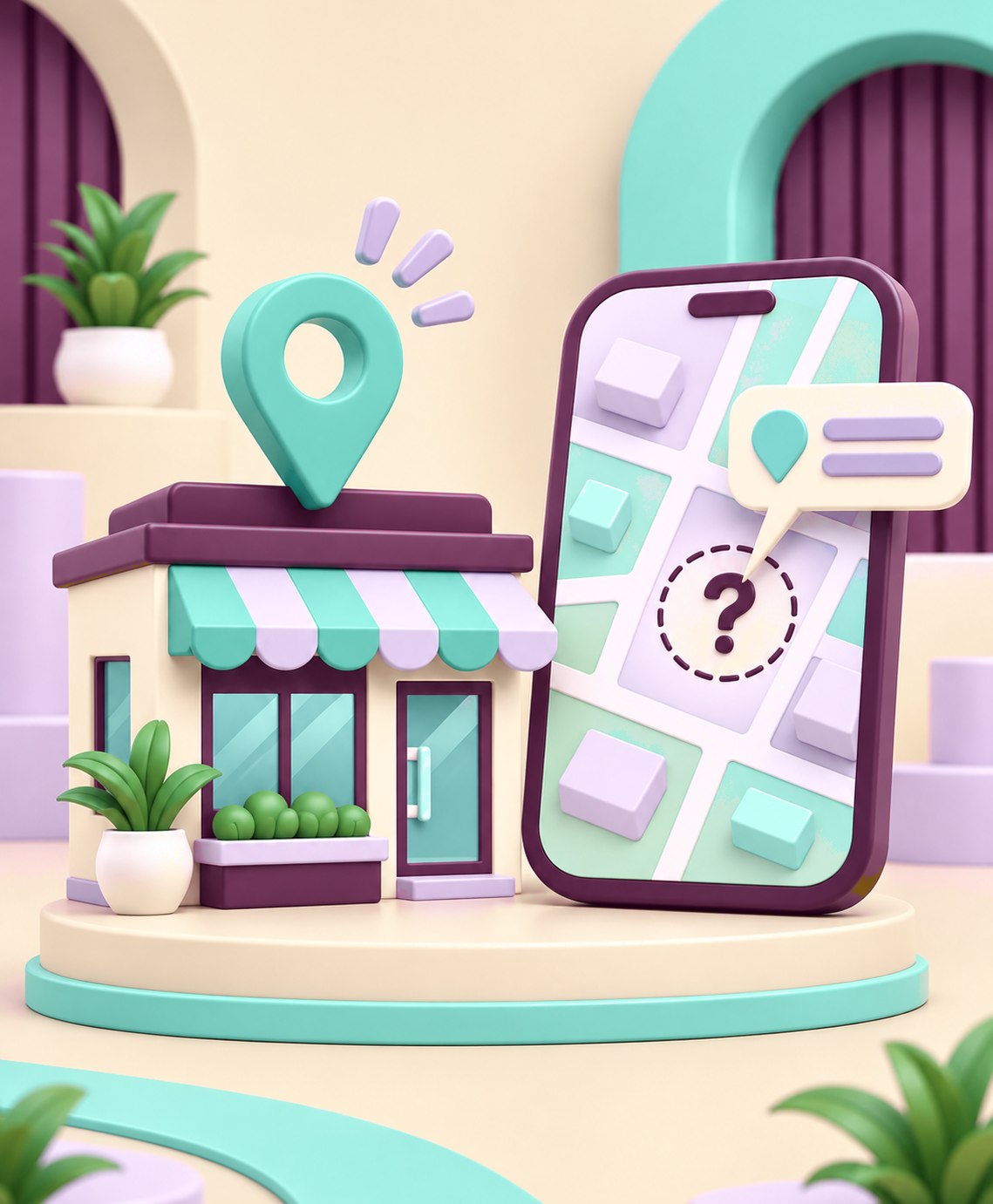
Imagine running a medical clinic, furniture showroom, or home maintenance company. A nearby customer searches Google Maps for the service you provide.
They see several businesses in the area, but yours isn't among the results they're looking at, even though you've been operating for years.
Missing that visibility can mean missing opportunities for phone calls, website visits, customer reviews, and requests for directions.
Before changing your business information, however, it's important to understand one distinction:
A business that doesn't have a visible Google Maps listing is not necessarily experiencing the same problem as a business that appears in Maps but ranks poorly in local searches.
These situations have different causes and require different solutions.
First: Identify the Actual Problem
Start by searching Google Maps for your business's real name, together with its city or neighborhood.
If you find a profile, open it and check whether it belongs to your business and displays accurate information.
Next, search for the type of service you offer, such as "air conditioning repair near me" or "furniture showroom in [your city]."
The first search helps determine whether customers can find your business by name. The second helps you understand how it appears alongside competitors for broader searches.
Local search results can vary depending on the searcher's location, wording, and nearby competition. Your business may rank differently for different users.
If you manage the Business Profile, check its status through the associated Google Account before making changes.
1. Your Business Hasn't Been Added or Verified
You may be running a legitimate business without having created a Google Business Profile.
Alternatively, a profile may already exist, but you haven't claimed ownership or completed the required verification.
Google Business Profile allows eligible business owners to manage how their information appears on Google Search and Maps.
What should you do?
First, search for your business to see whether an existing profile can be claimed.
If there isn't one, begin at:
https://business.google.com/add
If a profile already exists but someone else manages it, follow Google's ownership request procedure instead of creating a duplicate.
Complete verification using the methods offered for your profile. Depending on the business and location, available options may include a video recording, phone call, text message, or other methods.
Important: Google determines which verification methods are available. You cannot assume that every business will receive the same options.
2. Your Business Isn't Eligible for a Google Business Profile
This is an important detail many businesses overlook.
Having a registered company or a professional website doesn't automatically make you eligible for a Google Business Profile.
Google generally requires eligible businesses to interact with customers in person, either at a location customers can visit or by traveling to customers to provide services.
For example, a retail showroom that welcomes customers may be eligible. A home maintenance company that visits customers' properties may also qualify without having a public storefront.
However, an online-only store that neither receives customers at a physical location nor visits them in person isn't eligible solely because it sells products online.
What should you do?
Review your actual business model against Google's eligibility requirements.
If you're operating entirely online and don't meet those conditions, focus on improving your website's organic search visibility, product or service pages, and suitable advertising channels.
Don't use a fake location or virtual office to get around eligibility requirements. This can create more problems than it solves.
3. Your Profile Is Suspended or Restricted
Sometimes a business is visible on Google Maps and later seems to disappear.
One possible explanation is that Google has suspended or disabled its Business Profile because of a policy issue.
Potential problems include inaccurate information, an ineligible address, or a business name that doesn't reflect the real-world identity of the business.
However, failing to appear for a particular search doesn't automatically mean your profile has been suspended.
What should you do?
Sign in to the Google Account associated with the Business Profile and review any notices about restrictions, verification, or required changes.
If the profile has been suspended, review the stated reason, correct information that violates the rules, and use the official appeals process if you believe your business is eligible.
Supporting documentation may include business registration certificates, licenses, and relevant utility bills.
Don't create a replacement profile for the same business while an appeal is being reviewed. Google advises against this.
4. Your Address or Map Pin Is Incorrect
If your business welcomes customers at a physical location, the location information needs to be accurate.
The street address may be incomplete, the map pin may point to the wrong street, or the business may have moved without updating its profile.
These issues can make it difficult for customers to find your location and may affect the accuracy of information shown on Google.
Google also has requirements for locations that display a public address. A business location should be genuine and appropriate to its activities, rather than simply a rented mailing address.
What should you do?
Review your address and map pin, including building details, street name, and neighborhood.
If your business travels to customers instead of receiving them at its office, it may be more appropriate to register as a service-area business and hide the office address from the public.
Businesses that both welcome customers and provide services at their locations may qualify as hybrid businesses.
Adding more service areas doesn't guarantee visibility across those locations. Local rankings still depend on Google's ranking factors.
5. You've Selected the Wrong Business Category
Business categories help Google understand what your company does and connect it with relevant searches.
For example, an air-conditioning maintenance company might be less clearly represented by a broad category that doesn't accurately describe its primary business.
Selecting unrelated categories simply to appear for more searches isn't a good solution either.
What should you do?
Choose the primary category that best describes your business.
Add relevant secondary categories where appropriate, but focus on the services your business genuinely provides.
Write a helpful business description and provide accurate information about your services.
Don't fill your business name with extra keywords, neighborhoods, or service descriptions.
The name on your profile should reflect the name customers recognize in the real world.
6. You Have Duplicate Business Profiles
Your company may have had a profile created by a former employee, agency, or previous owner.
Later, someone else may have created another profile for the same location or business.
Duplicate profiles can create ownership and information management problems.
Google explains that a profile identified as a duplicate may not appear in Search or Maps.
What should you do?
Search for your business name and address to see whether several profiles exist.
If an existing profile represents your business but is managed by another person, request ownership through Google's official process.
If there are duplicates, follow the appropriate resolution procedure rather than creating additional profiles or deleting information without reviewing it.
Separate, eligible business branches can sometimes have individual profiles. That is different from maintaining multiple profiles for the exact same business location.
7. Your Information Is Incomplete or Your Changes Are Pending
Even when your profile is verified, important information may be missing.
Your phone number, opening hours, website, or service details might be outdated.
You may also have submitted a change that Google hasn't yet approved or published.
Google reviews changes before making them visible, and some reviews can take longer than expected.
What should you do?
Review the essential information in your profile:
Your real business name.
The most appropriate category.
Your address or service area.
A working phone number.
The correct website link.
Regular and special business hours.
Relevant business services and details.
After making changes, check whether they have been accepted, are still pending, or were rejected.
Don't assume that an edit has failed simply because it doesn't appear immediately.
8. Your Profile Exists, but Competitors Rank Higher
This is one of the most commonly misunderstood situations.
Your profile may be accurate, eligible, and verified, yet still fail to appear near the top when someone searches for your service.
That doesn't automatically mean your profile is broken.
Google says local results are primarily influenced by three factors:
Relevance: How closely your business matches what someone is searching for.
Distance: How far your business is from the searcher or the location Google associates with that person.
Prominence: How well-known the business is, based on information such as online references, links, and reviews.
What should you do?
Make your business information complete and accurate.
Add genuine, relevant photos of your location, products, or services. Encourage real customers to leave honest reviews and respond professionally to feedback.
Review your business website as well. Make sure its service pages clearly explain what you offer and where you genuinely operate.
However, don't expect a few extra photos or reviews to guarantee the top position.
You cannot pay Google to secure a higher position in the unpaid local search rankings.
How Can You Tell Whether Your Improvements Are Working?
Once you've reviewed and corrected the profile, avoid judging its performance by repeatedly searching for your business name.
For verified profiles, Google's Performance section provides information about how people discover and interact with your business.
Depending on your business type, available metrics may include:
Business Profile views.
Search terms used to discover the business.
Website clicks.
Clicks on the call button.
Requests for directions.
Not every metric is available for every business, and some reporting information may be delayed.
Compare relevant periods instead of drawing conclusions from one day or a single search.
Combining Business Profile data with website analytics and actual customer inquiries can help determine whether increased visibility is generating meaningful business opportunities.
Quick Google Maps Visibility Checklist
Before trying complicated solutions, answer these eight questions:
Is your business eligible for Google Business Profile?
Does the profile exist, and has it been verified?
Are there any restrictions or warnings?
Is the address or service area accurate?
Does the primary category represent the business correctly?
Are there duplicate profiles?
Are your contact details, hours, and services up to date?
Is the problem an absent profile or weak rankings against competitors?
The answers can help you identify the correct starting point rather than making random changes.
Conclusion: Google Maps Visibility Starts With Accurate Information
When your business doesn't appear on Google Maps, poor marketing or strong competitors aren't always the explanation.
Sometimes the issue is an incomplete verification or inaccurate category.
Other cases involve eligibility rules, duplicate listings, or account restrictions.
And when the profile is functioning correctly, the priority becomes improving local visibility and building a trustworthy online presence.
At ONDM, we view local search visibility as part of a wider digital marketing strategy that connects accurate business information, website experience, and performance measurement.
Start by checking your profile's status, correct inaccurate information, and then monitor whether more customers can find and contact your business.
References and Sources
Google Business Profile — Tips to Improve Your Local Ranking
https://support.google.com/business/answer/7091Google Business Profile — Verify Your Business on Google
https://support.google.com/business/answer/7107242Google Business Profile — Guidelines for Representing Your Business
https://support.google.com/business/answer/3038177Google Business Profile — Fix Suspended or Disabled Profiles
https://support.google.com/business/answer/4569145Google Business Profile — Resolve Duplicate Profiles and Ownership Issues
https://support.google.com/business/answer/12756178Google Business Profile — Understand Business Profile Performance
https://support.google.com/business/answer/9918094Google Business Profile — Understand What Happens to Your Edits
https://support.google.com/business/answer/3038311Google Business Profile — Get Started
https://support.google.com/business/answer/7039811