
Does Your Business Really Need a Mobile App? When Is It Worth the Investment?
Does your business really need a mobile app, or is a website enough? Discover when investing in an app makes sense, how the options compare, and how to choose the right solution for your customers and budget.
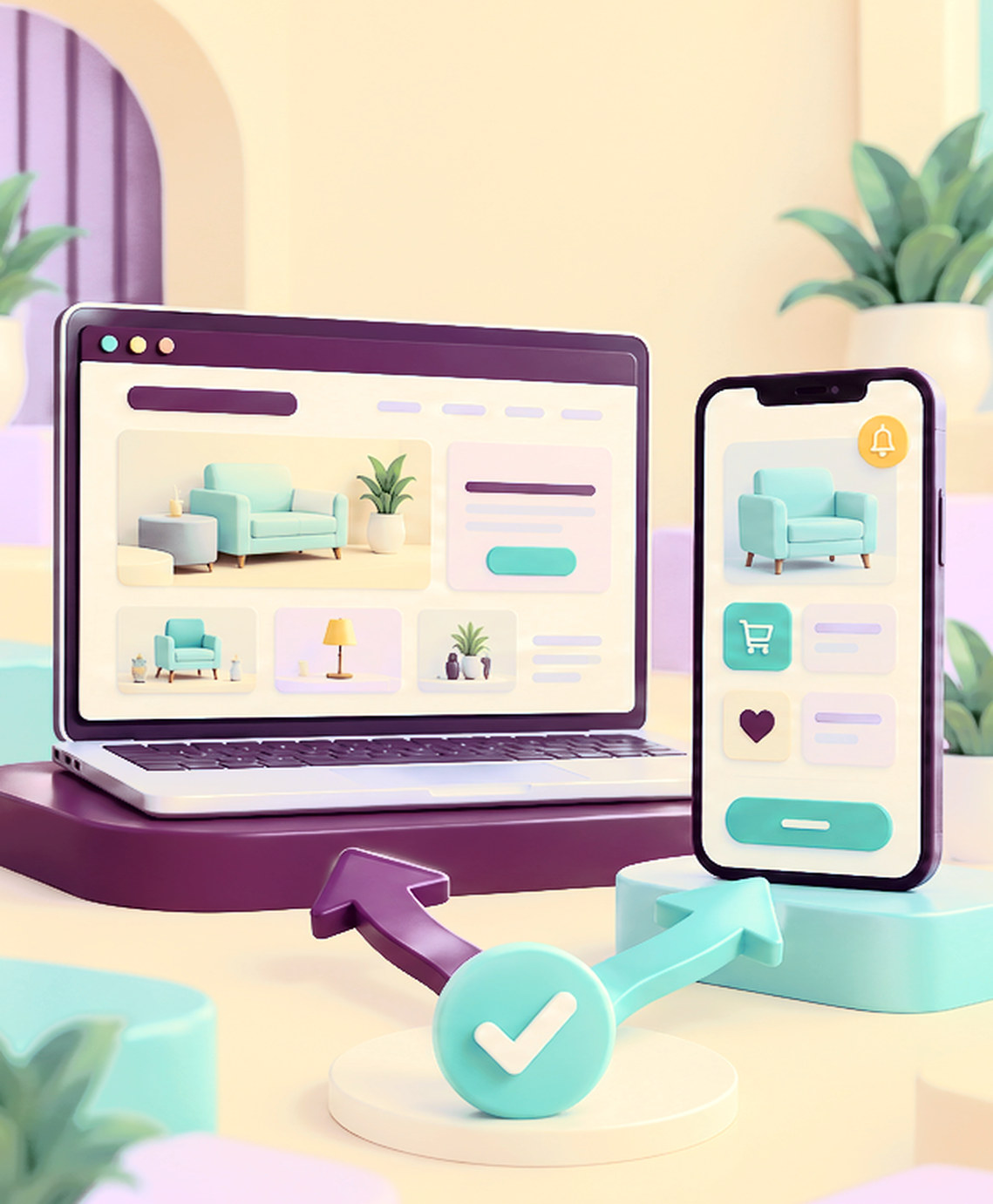


You're running a business and thinking about developing a mobile app. Maybe you believe having your company listed on the App Store and Google Play will make your business look more professional or help you reach customers more easily.
But before investing in app design and development, there's a more important question:
Do your customers actually need a mobile app, or could a well-designed website achieve the same goal?
Not every business needs a mobile app. At the same time, some businesses rely on mobile applications as an essential part of delivering their services.
The difference isn't about which solution looks more modern. It's about how customers use your service, what features they need, and whether the expected business value justifies the development and operating costs.
1. What's the Difference Between a Website and a Mobile App?
A website allows customers to access your products and services directly through a browser without installing additional software.
When developed with responsive design, it can provide a convenient experience across phones, tablets, and computers.
A mobile app, on the other hand, is installed on a user's phone and is often designed for ongoing use or functionality that benefits from deeper integration with the device.
For example, a website may be ideal for a consulting company that wants to present its services and receive quotation requests.
A mobile app might be a better option for a service customers use every day or a system that relies heavily on specific smartphone features.
The right choice depends on what customers need to accomplish, not simply on the type of platform.
2. When Is a Website Enough for Your Business?
In many cases, starting with a professional website is a more practical decision than launching a mobile app.
When your main goal is attracting new customers
If your business provides professional services, healthcare appointments, consultations, or quotations, customers primarily need to discover your business, understand your services, and contact you.
A website provides direct access through a link and makes relevant pages available for search engines to discover and index.
This is especially valuable when potential customers are finding your company for the first time through Google.
When customers don't use your service frequently
If customers only need your service once every few months, they may have little reason to install and keep a dedicated application.
In that situation, direct website access may be more convenient.
When you're still testing your business idea
If your business is new and you're still learning what customers need, a website can help you launch essential features and observe real user behavior.
Once you identify a clear need for an app, you can make the investment based on actual data rather than assumptions.
3. When Does a Mobile App Become a Worthwhile Investment?
A mobile app makes more sense when it delivers value that a website cannot provide as effectively.
Frequent usage
If customers interact with your service daily or weekly, an app can make accessing accounts, orders, and key functions more convenient.
For example, delivery services, financial platforms, and operational management tools may benefit from faster access and repeated use.
However, frequent usage alone doesn't guarantee app success. The experience still needs to justify installation.
Advanced device functionality
Some businesses depend heavily on camera features, location services, device sensors, connections to nearby equipment, or workflows that must function without a continuous internet connection.
Depending on the required features and browser support, a native mobile app may be the more appropriate solution.
A dedicated experience for existing customers
If you have a loyal customer base that uses your services regularly, an app can provide personalized experiences, order tracking, and convenient tools for managing accounts or subscriptions.
The key is offering genuinely useful functionality instead of simply placing your website inside an app.
4. Is There an Alternative Between a Website and a Mobile App?
Yes. It's called a Progressive Web App (PWA).
A PWA combines browser-based website access with certain app-like capabilities, such as adding an icon to the home screen and supporting some offline functionality, depending on implementation and device compatibility.
Push notifications are also available in some supported environments. For example, Apple supports web push notifications for compatible Home Screen web apps on supported iOS versions.
However, PWAs are not a universal replacement for native applications.
Access to advanced hardware features and operating system integrations may be limited or differ between devices and browsers.
That's why the choice between a responsive website, a PWA, and a native app should begin with a detailed list of required features and testing on the devices your customers actually use.
5. App Development Costs Don't End at Launch
One common mistake is budgeting only for application design and development while overlooking the ongoing costs.
Every application needs a plan for long-term operation and maintenance.
Potential expenses include:
User experience and interface design.
Application and backend development, including integrations.
Testing across devices and operating systems.
Hosting, infrastructure, and third-party services.
Security updates and bug fixes.
Compatibility with operating system updates.
App store publishing and review requirements.
Technical support and future improvements.
Websites also require hosting, security, maintenance, and updates.
A useful cost comparison should consider the long-term ownership and operating expenses of each solution, not just the initial development price.
6. Will Having a Mobile App Automatically Increase Sales?
No.
Simply launching a branded app doesn't guarantee that customers will download it, use it, or make more purchases.
If the underlying problem is pricing, checkout experience, service quality, or limited product demand, launching a mobile app won't necessarily solve it.
Before investing, ask yourself:
Are existing customers requesting an app?
Are important tasks difficult to complete on your current website?
Would an app make those tasks significantly easier or faster?
Is usage frequent enough to justify asking customers to install it?
Do you have a plan to attract and retain app users?
You need a clear business reason for developing the app and measurable criteria for evaluating its success.
7. Practical Examples: Which Solution Fits Your Business?
Professional services or consulting company
If the main objective is to present services, showcase previous projects, and collect inquiries, a responsive website is often the better starting point.
New online store
If you're still building your customer base, your priority may be a fast, mobile-friendly store with a clear checkout and delivery experience.
Later, if data shows that customers purchase frequently and an app would provide meaningful additional value, app development may become a worthwhile investment.
Academy or online learning platform
A website can handle registration, payments, and course access.
However, if students interact with the platform frequently or need downloadable lessons and offline learning, an app may provide additional value.
Delivery or field operations business
If employees depend on mobile tools while traveling, updating locations, capturing photos, or performing repeated field tasks, a mobile app may be an essential operational tool.
In every example, the final decision depends on the specific requirements and users, not simply the type of business.
8. How to Make the Right Decision Before Development
Instead of starting with “How much will an app cost?”, follow five practical steps.
First: Define your business objective.
Are you trying to attract new customers, encourage repeat purchases, improve customer service, or give employees an operational tool?
Second: Study user behavior.
Review your existing website data, how frequently customers use the service, what devices they use, and the obstacles they experience.
Third: Identify essential features.
List the tasks users need to accomplish. Separate must-have features from improvements that can be introduced later.
Fourth: Compare cost against business value.
Consider development, maintenance, updates, operations, and the overall customer experience.
Fifth: Start with the solution that matches your needs.
You might begin with a website, add more advanced capabilities, and launch an app when there is a clear reason to do so.
Alternatively, you may need an app from day one if the service fundamentally depends on its capabilities.
Conclusion: Not Every Business Needs an App, but Every Business Needs the Right Solution
A website isn't a less professional alternative to a mobile app, and launching an app isn't a mandatory milestone for every business.
Each solution has its own benefits, limitations, and costs.
The right investment is the one that makes things easier for your customers and creates measurable value for your business.
At ONDM, we begin by understanding business goals and user needs before recommending a technology solution, whether that's a website, a mobile application, or a combination of both.
Before investing in a new app, identify the problem you want to solve, define the outcome you're trying to achieve, and then choose the technology that best supports your goals.
References and Sources
Google Search Central — Mobile-first Indexing Best Practices
https://developers.google.com/search/docs/crawling-indexing/mobile/mobile-sites-mobile-first-indexingGoogle web.dev — Progressive Web Apps
https://web.dev/learn/pwa/progressive-web-appsGoogle web.dev — PWA Capabilities
https://web.dev/learn/pwa/capabilitiesApple Developer — Sending Web Push Notifications in Web Apps and Browsers
https://developer.apple.com/documentation/usernotifications/sending-web-push-notifications-in-web-apps-and-browsersApple Developer — App Review Guidelines
https://developer.apple.com/app-store/review/guidelines/
Related blogs
View all blogs
؟Website Builder or Custom Development
Website builder or custom development? Compare costs, flexibility, maintenance, and scalability to choose the right solution for your business before investing.
AI Customer Service.
Losing potential customers because of slow responses? Discover how AI customer service can answer inquiries, organize leads, improve customer experiences, and support your sales team without replacing human interaction.

Why Do Customers Add Products to Their Cart but Never Complete the Purchase?
Customers adding products to their carts but leaving without buying? Discover the main causes of cart abandonment and practical ways to improve checkout, reduce friction, and recover potential sales.