
Why Do Customers Add Products to Their Cart but Never Complete the Purchase?
Customers adding products to their carts but leaving without buying? Discover the main causes of cart abandonment and practical ways to improve checkout, reduce friction, and recover potential sales.

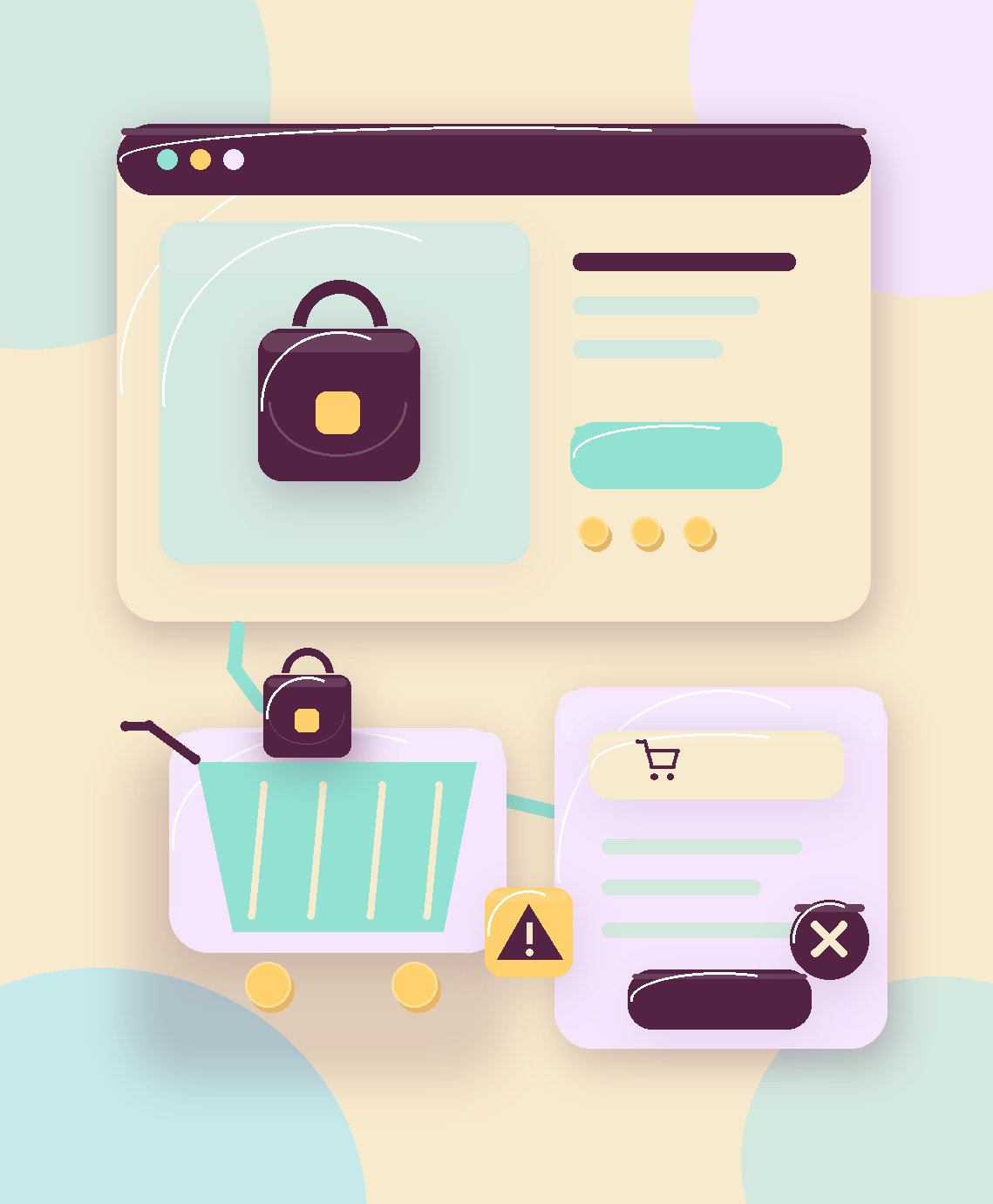
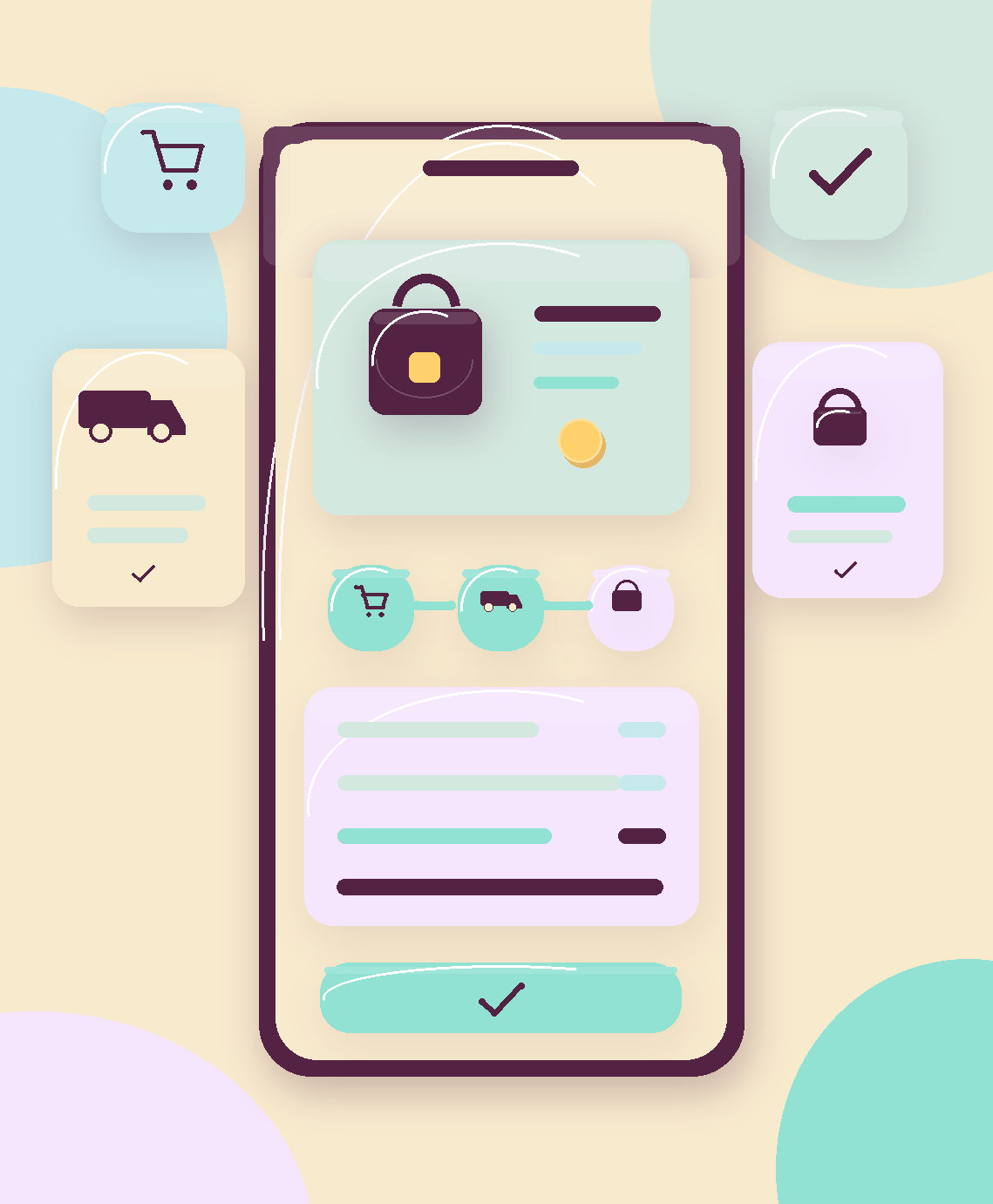
A customer visits your online store, browses your products, finds something they like, and clicks “Add to Cart.” Then, just before placing the order, they leave without completing the purchase.
This happens every day across e-commerce stores. It can be one of the main reasons sales fall short of expectations, even when your store receives healthy traffic and your advertising campaigns perform well.
But does it mean customers aren't interested in your products? Not necessarily.
Sometimes, the problem is an unexpected shipping fee, a complicated checkout process, limited payment options, or even a small usability issue on the checkout page.
The challenge isn't always attracting customers to your store. Sometimes, it's the experience they have before paying.
Cart Abandonment: A Bigger Problem Than You Might Think
According to research compiled by Baymard Institute, the average documented online shopping cart abandonment rate is approximately 70.22%, based on 50 e-commerce studies.
This means a substantial proportion of shopping carts never result in completed orders. However, this is a research average, not a figure that applies to every store or market.
It's also important to understand that not every abandoned cart indicates a technical problem. Some customers are comparing prices, browsing products, or saving items for a later purchase.
The real challenge is identifying customers who were ready to buy but encountered an obstacle that prevented them from completing their orders.
1. Unexpected Shipping Fees and Additional Costs
One of the most common reasons customers abandon their carts is discovering extra charges at checkout.
A customer might find the product price reasonable, only to encounter expensive shipping fees, taxes, or other charges that weren't clearly communicated earlier.
According to Baymard's 2026 abandonment-reason data, 40% of respondents in the analyzed group, excluding those who were simply browsing, cited high additional costs as a reason for abandoning a purchase.
What can you do?
Display shipping fees or explain how they are calculated before customers reach the payment stage. Clearly communicate applicable taxes and additional charges.
If the final cost depends on the delivery address, explain that and make it easy for customers to calculate shipping costs early in the process.
Customers should have a clear understanding of what they will pay before going through several checkout steps.
2. A Long or Complicated Checkout Process
Every unnecessary checkout step creates another opportunity to lose a customer.
Some stores request too much information or send customers through multiple pages without clearly indicating their progress.
This becomes especially frustrating on mobile devices, where customers may need to type every detail manually.
What can you do?
Keep checkout steps clear and concise, and request only the information necessary to process and deliver the order.
Enable browser autofill for names and addresses where appropriate. Display clear validation messages near form fields instead of revealing problems only after customers submit the form.
Not every store needs a one-page checkout. What matters most is making the process straightforward and understandable, whether it uses one page or a few well-designed steps.
3. Requiring Customers to Create an Account
Customers may be ready to pay, but the store suddenly requires them to register, verify their email address, and create a password.
For some shoppers, especially first-time customers, this becomes an unnecessary barrier.
Baymard's 2026 data shows that 18% of respondents in its analysis of abandonment reasons cited forced account creation as one reason for leaving without purchasing.
What can you do?
Offer guest checkout when it is suitable for your business model.
After the purchase is confirmed, invite customers to create an account to track future orders or enjoy a faster shopping experience next time.
4. Customers Don't Trust the Payment Process
Trust plays an essential role in e-commerce.
If customers can't find clear business information, return policies, contact details, or information about payment processing, they may hesitate to enter their card details.
Even when a website is technically secure, the shopping experience might not communicate that security effectively.
What can you do?
Provide accessible shipping, return, and refund policies. Display genuine contact information and authentic customer reviews when available.
Use a reputable payment gateway and a secure connection. Make available payment methods clear before customers reach the final checkout step.
Most importantly, trust signals should represent real business practices rather than decorative security badges.
5. Limited or Inconvenient Payment Methods
Not every customer prefers the same payment option.
Some shoppers use bank cards, while others prefer digital wallets or locally available payment services.
When customers reach checkout and can't find a suitable payment method, they may abandon the order entirely.
What can you do?
Choose payment methods based on your target market and actual customer preferences, rather than simply offering the largest number of options.
Review payment failure reports and display understandable messages when a transaction fails.
Where possible, let customers try an alternative payment method without entering their entire order information again.
6. Poor Mobile Shopping Experience
Your store might look excellent on a desktop computer while delivering a frustrating checkout experience on mobile devices.
The payment button may be too small, form fields may be difficult to use, address selection may be confusing, or unstable page layouts may cause accidental clicks.
What can you do?
Test the complete purchasing process on real mobile devices, not just through a design preview.
Check product selection, address entry, coupon application, payment, and order confirmation.
Also monitor page performance and any technical errors that occur between checkout steps.
How Can You Identify Exactly Where Customers Drop Off?
Instead of assuming that pricing or shipping is the problem, use data to identify where customers are leaving the purchase journey.
With Google Analytics 4, you can track key e-commerce events such as:
Product views (view_item).
Adding products to a cart (add_to_cart).
Beginning checkout (begin_checkout).
Completed purchases (purchase).
The Purchase Journey report helps identify the stages where users drop off, provided that your e-commerce events are implemented correctly.
If many customers add products to their carts but few begin checkout, review the cart page and expected order costs.
If many customers start checkout but don't complete it, investigate form usability, payment methods, and error messages.
Compare results between mobile and desktop users and across traffic sources. This helps you focus on the actual problem rather than making random changes to your store.
Can Abandoned Cart Reminders Recover Lost Sales?
Yes. Some customers may return and complete an order after receiving a relevant reminder, but not every abandoned cart will turn into a sale.
You can use email or other communication channels where customers have agreed to receive messages, including a direct link to resume their checkout.
Keep reminders useful and concise. Avoid excessive follow-ups or automatically offering discounts to every customer.
Most importantly, if customers are leaving because of payment or delivery problems, fix those issues first. A reminder cannot repair a broken checkout experience.
Conclusion: Review Your Cart and Checkout Before Increasing Your Advertising Budget
E-commerce success shouldn't be measured solely by website traffic or the number of products added to shopping carts.
Actual sales depend on a complete customer journey, from product presentation and transparent pricing to clear delivery information and a simple, secure checkout process.
A high cart abandonment rate doesn't automatically mean your store needs to be rebuilt. The better starting point is to identify the cause, test a solution, and measure its effect on completed orders.
At ONDM, we approach e-commerce development, user experience, and performance measurement as connected parts of one objective: helping businesses achieve better commercial results.
If customers keep adding products to their carts without completing their purchases, start by analyzing your checkout journey before spending more money attracting new traffic.
References and Sources
Baymard Institute — Cart Abandonment Rate Statistics 2026
https://baymard.com/lists/cart-abandonment-rateBaymard Institute — How to Reduce Cart Abandonment
https://baymard.com/blog/reduce-cart-abandonmentShopify — How to Reduce Shopping Cart Abandonment (2026)
https://www.shopify.com/enterprise/blog/44272899-how-to-reduce-shopping-cart-abandonment-by-optimizing-the-checkoutGoogle — Payment and Address Form Best Practices
https://web.dev/articles/payment-and-address-form-best-practicesGoogle Analytics — Measure Ecommerce
https://developers.google.com/analytics/devguides/collection/ga4/ecommerceGoogle Analytics — Purchase Journey Report
https://support.google.com/analytics/answer/13128171
Related blogs
View all blogs
Getting Website Traffic but No Sales? Your Ads Might Not Be the Problem!
Getting website traffic but no sales? Discover how landing pages, user experience, website speed, and conversion tracking affect your results—and what to improve before increasing your advertising budget.

؟Website Builder or Custom Development
Website builder or custom development? Compare costs, flexibility, maintenance, and scalability to choose the right solution for your business before investing.

Does Your Business Really Need a Mobile App? When Is It Worth the Investment?
Does your business really need a mobile app, or is a website enough? Discover when investing in an app makes sense, how the options compare, and how to choose the right solution for your customers and budget.